- @[email protected]
- deleted by creator
- 3 Posts
- 34 Comments
After MUCH trial and error I’ve found a way that works for me to degoogle any phone without root or a custom ROM.
I use the universal android debloater to uninstall all Google apps including play services, play store, default dialer, SMS app, files, camera, launcher, etc. If it’s from Google, I don’t trust it.
Basically I search for “Google” in the tool and remove everything that shows up, except for apps in the Unsafe category (those are core parts of Android like package installer, network stack, permissions system, etc).
The removed apps are replaced with alternatives from F-Droid. I use the entire Simple Mobile Tools suite, Fennec, Organic Maps, and K-9 Mail.
All my messenger apps (Signal, Telegram, Threema) have FOSS forks that receive push notifications without Play Services if you install them AFTER degoogling.
Location fix is slower than with Google, but good enough for using it as a GPS while driving.
Many apps that require Play Services can be replaced by Fennec web apps.
All in all, functionality is more basic than with Google (no text to speech, no speech to text, no AI assistant, no cloud stuff, no commercial apps), but I actually like it that way.
The only thing I’m genuinely missing is Gboard.

What happens if you press Power + volume down? That should take you to recovery mode, which has a menu entry to boot into the bootloader.
Also, what happens if you just press power?
I had the exact same issue on a different phone, but it had a Mediatek chip. For those, there is a tool “SP flash tool” that can flash the stock ROM even if the phone can’t enter fastboot mode. Once it’s unbricked, you can install something else again.
There seems to be a tool like that for the Zenfone too.
WARNING I have no experience with this tool and don’t know whether the following link (1st Duckduckgo result for “zenfone flash tool”) is reputable:
https://androidmtk.com/download-asus-zenfone-flash-tool
If the tool isn’t available for Linux, you could try it from a Windows VM with USB passthrough.
- @[email protected] to
- •
- lemmy.world
- •
- 2Y
- •

I want to love the Unihertz Atom, but sadly it just doesn’t work for me.
I got it specifically to have a phone to only call, text and message. But those are the exact things that don’t reliably function. It often didn’t receive messages or even calls unless the app was opened and in the foreground.
I factory reset it, tried activating and deactivating Unihertz’s own energy management app, tried the original versions of Signal/Threema/Dialer/Messenger as well as their FOSS forks/alternatives, tried it with and without Google Services installed…
But whenever I thought it works now, after lots of testing, it would then stop getting the notifications again after a few days, without me changing anything. So eventually I gave up.
If it had worked, it would be my favorite phone. But it didn’t. Now it’s rooted and I just play around with Android on it.
(By the way, if someone knows how to re-enter deleted IMEI numbers on a Mediatek phone from Linux to get rid of the red warning text overlay, please help!)

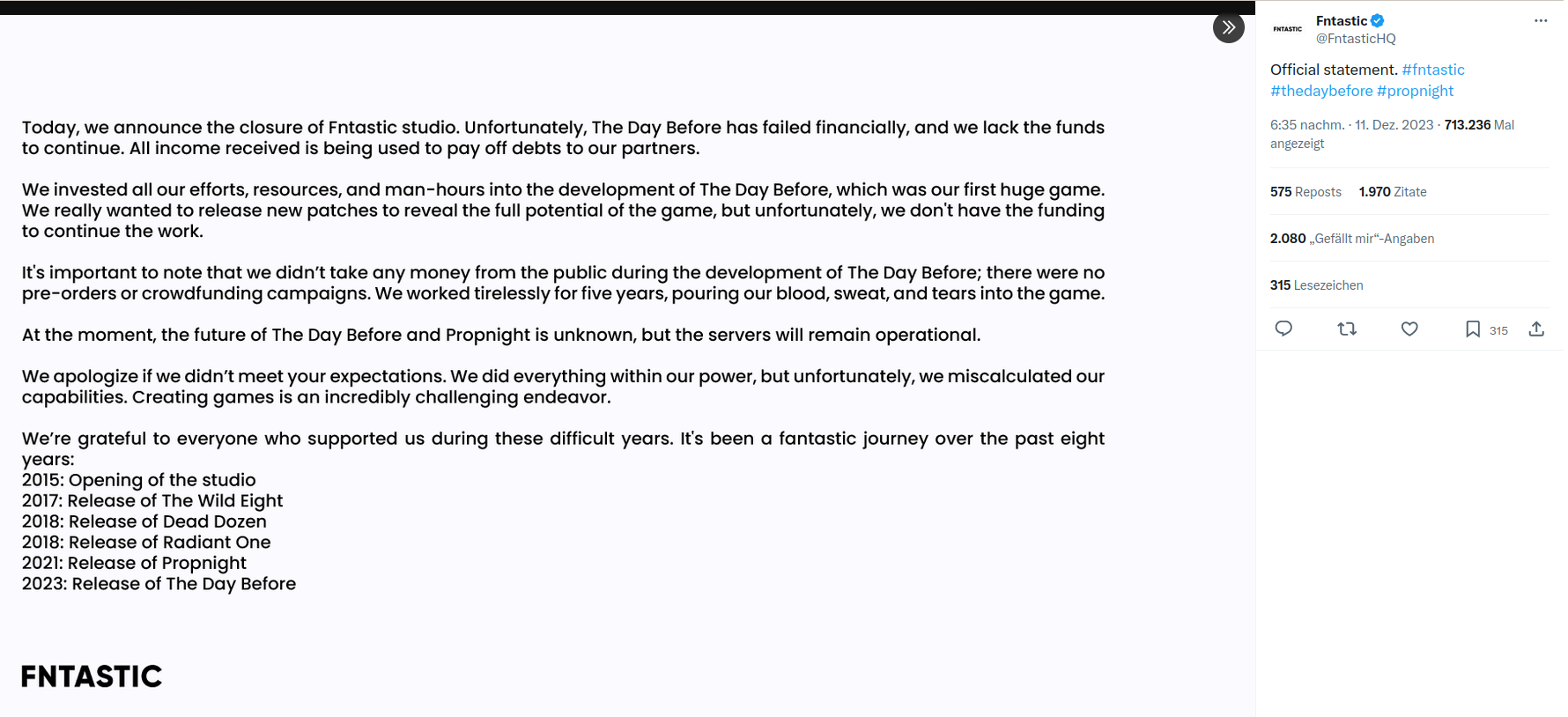
They claimed a 5 year development time, and what they shipped was a tutorial that lasts 2 hours (to cover the refund window) and a completely empty game afterwards, that consists of you wandering around a map they bought as an asset pack.
They used the hype about the game to make “behind the scenes” videos which were actually ads for an app they made on the side.
The last 2 games they released were abandoned in similar circumstances shortly after launch.
There’s enough evidence of malice here.
- @[email protected] to
 English
 - •
- lemmy.world
- •
- 2Y
- •

uber geeks with 20 years of Linux need not apply…thx!
Well, I would have suggested trying out Linux Mint as a live system to see if it runs on your hardware and fits your needs before installation. Test out wifi, bluetooth, video streaming and printing especially.
Also checking out whether your games are supported on https://www.protondb.com/
But I guess my advice isn’t welcome since I’ve used Linux for too long.
I wonder if they’ll finally get rid of Internet Explorer.
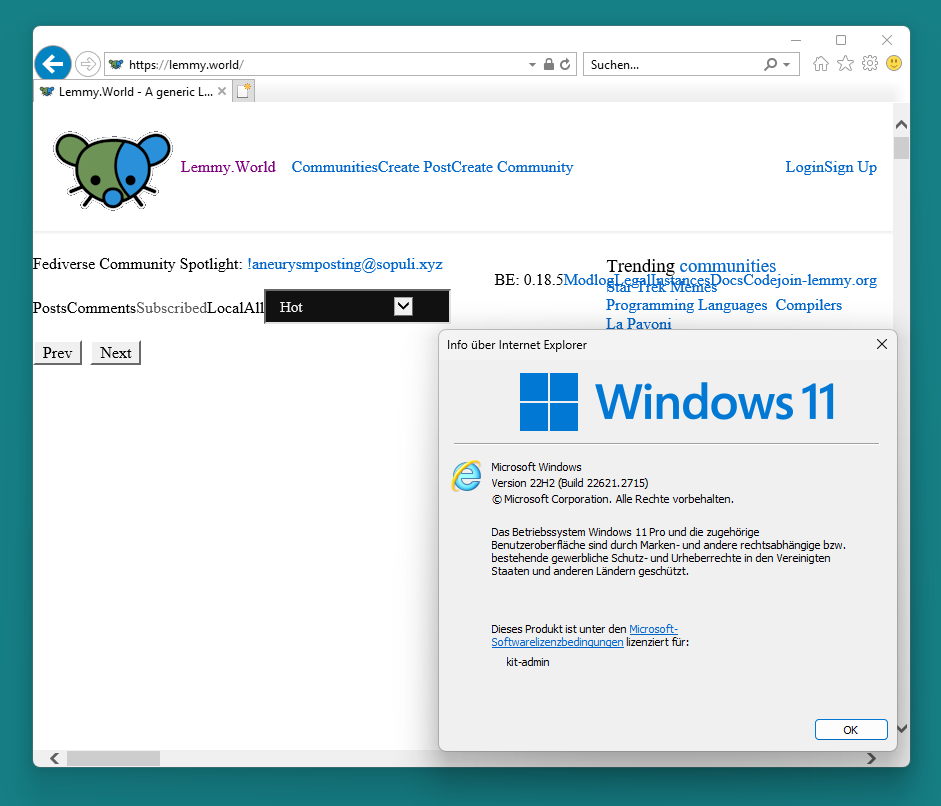
Or the file chooser from Windows 3.1.


Holy shit it’s bad:
Announcement trailer 2 years ago: https://www.youtube.com/watch?v=xyYz8uo87I8
Actual gameplay: https://youtu.be/ft4gXwiUijM?t=1371
Terrible News!!!
The developer of these apps I’ve been using for years, and who hasn’t seen a single penny in donations from me in all that time, has decided to sell them!
Now I’m really mad at them for selling out, and am forced to move to another set of apps someone else has made for me to use free of charge.
“Decent” isn’t a requirement. The whole idea is to use it as a dumbphone that can also message with Signal, Threema and Telegram or quickly look up infos on the internet or an offline map when needed.
I bought a phone 8 years ago for 60€ new that could do everything I want from a phone.
But I also want to completely degoogle it this time.
The official requirement is there for 2 reasons:
- I want everything to work and to follow a step-by-step procedure for installation that was tested by more than one person on one device.
- If there aren’t any officially supported phones (which it looks like), then I already know that I’ll buy a Unihertz Atom L, which has an unofficial build available, so no reason to ask here about unofficial builds.
- @[email protected] to
- •
- 2Y
- •

Just to clarify: There wasn’t really much sketchy stuff on there. Just a lot of tools and additional system utilities I didn’t need, some system apps were duplicated (one version from Android and a seperate one from Mediatek), all the Google apps and several apps for battery management on top of Android’s battery management system.
There are no custom ROMs for the Unihertz Atom, but there’s an unofficial LineageOS build for the Atom L and XL
You’re not my mom!
(Seriously though, when I get a new phone I basically search for “google” in Universal Android Debloater and uninstall everything that pops up and isn’t in the “unsafe” category.)